Skip to content

Today

Widgets

Article · 1 min read

707likes52comments14,102views
Widgets

Widgets will allow you to receive informative notifications from MoonX in a timely manner.
You can add widgets to your Home and Lock screens, as well as Today view.

Home screen and Today view widgets

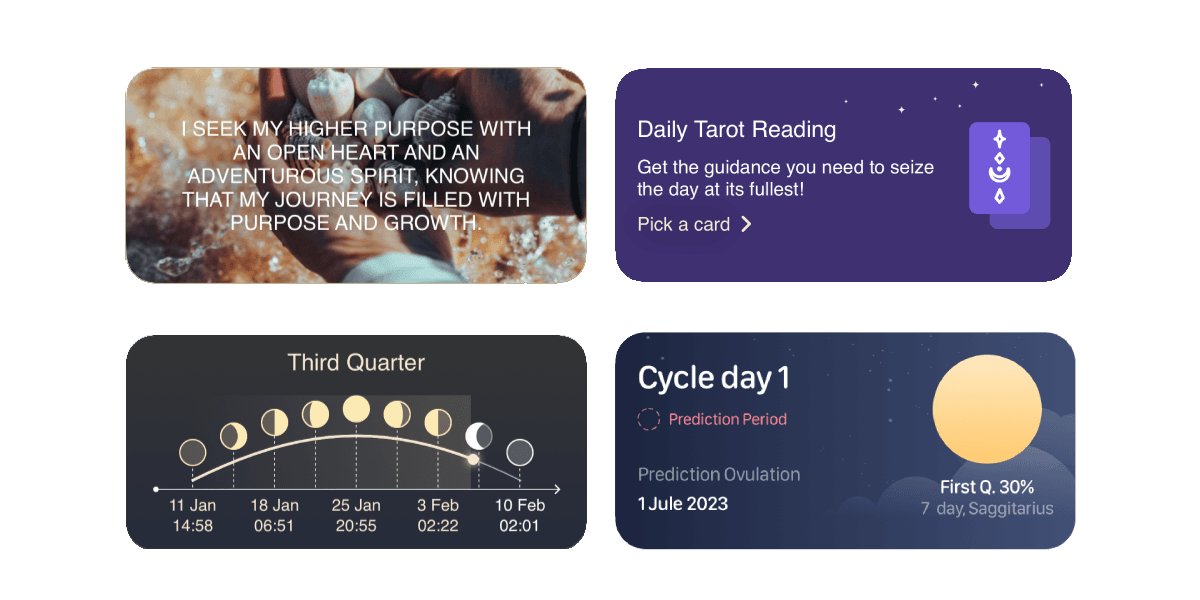
MoonX offers a diverse collection of widgets designed to cater to a wide range of interests and needs.
undefined

From functional widgets directly linked to our core offerings—such as tarot readings, daily affirmations, cycle calendars, and Moon Guide...
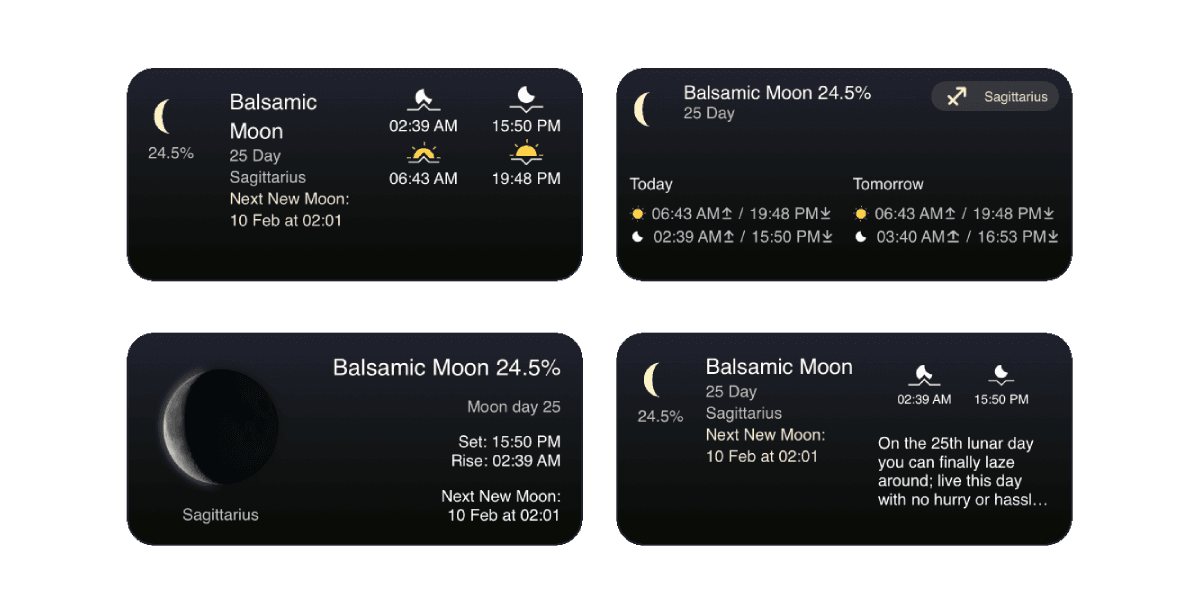
undefined

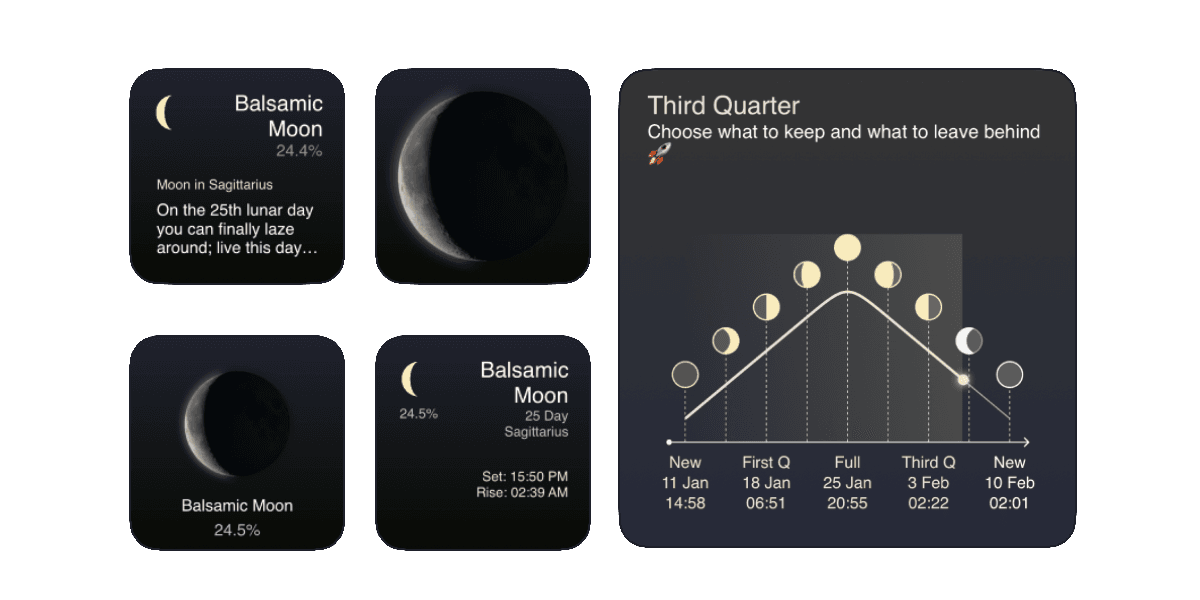
...to a variety of widgets enriched with astronomical and astrological information.
undefined

Each widget varies in size and design, allowing for a customizable experience that seamlessly integrates into your daily life.

To add the widgets on the “Home” or “Today” screen

  1. On the “Home” or “Today” screen push and hold the widget or empty space until the apps start to move
  2. Press “Add” (+) button in the upper left corner
  3. Select the widget and choose one of the three sizes, then press “Add widget”
  4. Press “Done”
Lock screen widgets

Lock screen widgets

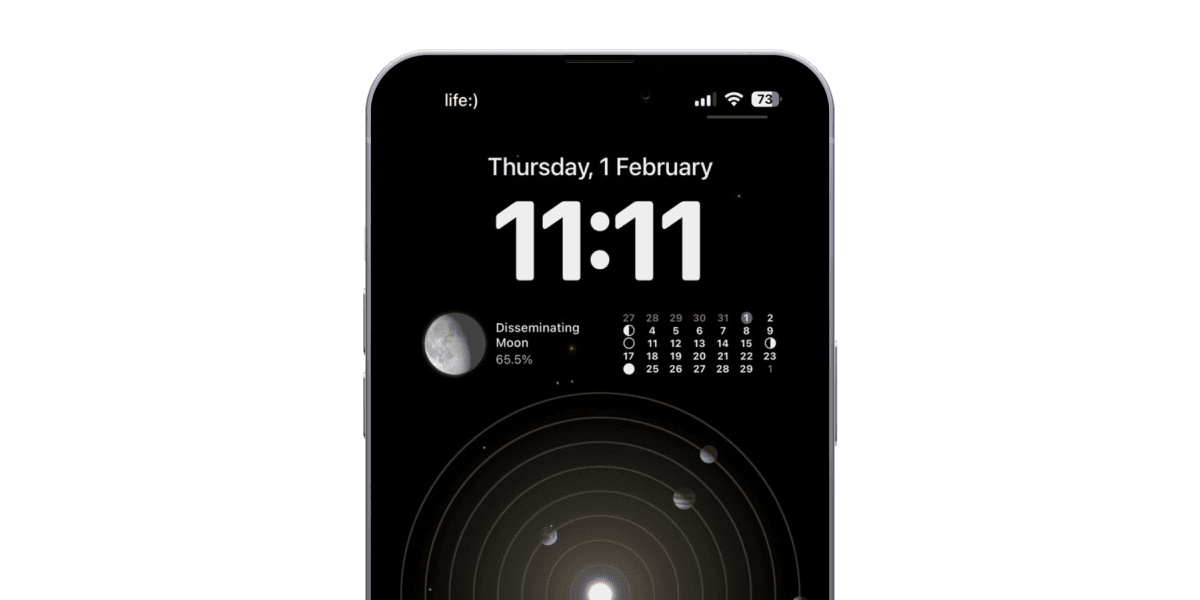
Our lock screen widgets keep you connected: one displays the current Moon phase for daily guidance, while another offers a monthly Moon phase calendar for easy planning.

To add widgets to your Lock Screen

  1. Touch and hold the Lock Screen until the Customize button appears, then tap Customize.
  2. Select Lock Screen.
  3. Tap Add Widgets.
  4. Tap or drag MoonX widgets that you want to add to the Lock Screen.
  5. When you're finished, tap the close button, then tap Done.

Comments

Lilian
LilianAug 2
I am pure love
Jennifer
Jennifer @LilianAug 16
💗
Vanessa Moonbow
Vanessa MoonbowAug 22
I am one with the universe
Laura
LauraSep 23
I am that I am
Enza
EnzaSep 24
I am Health, I am Wealth, I am Abundant
Serpent
SerpentSep 24
Can we get lock screen widgets for the new iOS 16?
Viktoria@MoonX Team
Viktoria@MoonX Team @SerpentOct 2
Sure! We’re working on it. Follow our updates 🌙
lilly
lillyNov 17
the widgets are only in military time for me?? how do i change so they say am and pm?
Annelise@MoonX Team
Annelise@MoonX Team @lillyDec 6
Added to ideas! Thank you!
Show more
Maary
MaaryDec 4
My affirmation widget has stopped working on my Home Screen 😩
Annelise@MoonX Team
Annelise@MoonX Team @MaaryDec 6
Please, connect us via “support” button
Meredith
MeredithFeb 24
My background music went away, and actually I loved it and wish there were more songs!
Nicky
NickyMar 2
Should the large widget with affirmations have a Picture be black?
Scarlett
Scarlett @NickyMar 7
i think there should be a black option and a custom photo option for premium members
Kat
KatApr 11
Is there a way to customize widgets? (Change background image or color)
Melissa
MelissaApr 22
I can’t figure out how to get a widget for my iPhone… help!
Cristina Fernandes
Cristina Fernandes @MelissaJun 24
Go to the first screen of your IPhone (swipe from left to right) where you have the regular widgets and then add MoonX, you will be able to choose the ones you want.
Annelise @ MoonX Team
Annelise @ MoonX Team @MelissaOct 8
Write to our support team if the problem persists
Kat
KatJun 29
It won’t let me add any widgets to my front page or the today section. When I search MoonX nothing pops up.
Annelise @ MoonX Team
Annelise @ MoonX Team @KatOct 8
Write to our support team if the problem persists
Tammy
TammyOct 31
I can’t put any widgets on my home screen.
Annelise @ MoonX Team
Annelise @ MoonX Team @TammyJan 24
Hi! We did it)
Ellen
EllenJan 9
Can we get a minimalist widget that says the moon phase and the zodiac sign?
Alina
Alina @EllenJan 21
Yes Please i need that!!!!
Nija R. P. Weir
Nija R. P. WeirJan 31
Yes please
Mika
MikaMar 10
Hmmmm the widget was not an option for me
Jacque
Jacque @MikaMar 12
Yes mine have disappeared from my screen
Emily Javan
Emily JavanMar 12
Mine have also all gone from my ipad
Blair
BlairJun 2
their isn't a widget option for me